This article explains how to check whether a candidate you are marketing is still open to opportunities, directly from their candidate advert. A candidate advert is the profile you publish on your Talent Board (the public page where you showcase available candidates to potential employers). The availability check sends the candidate a short email asking one question, "are you still looking?", and then takes care of the outcome for you: a yes keeps their advert live and extends it, a no closes it. You can send a check yourself from the dashboard, or switch on automatic checks so Refari asks each candidate a few days before their advert expires.
How to send a check from the dashboard
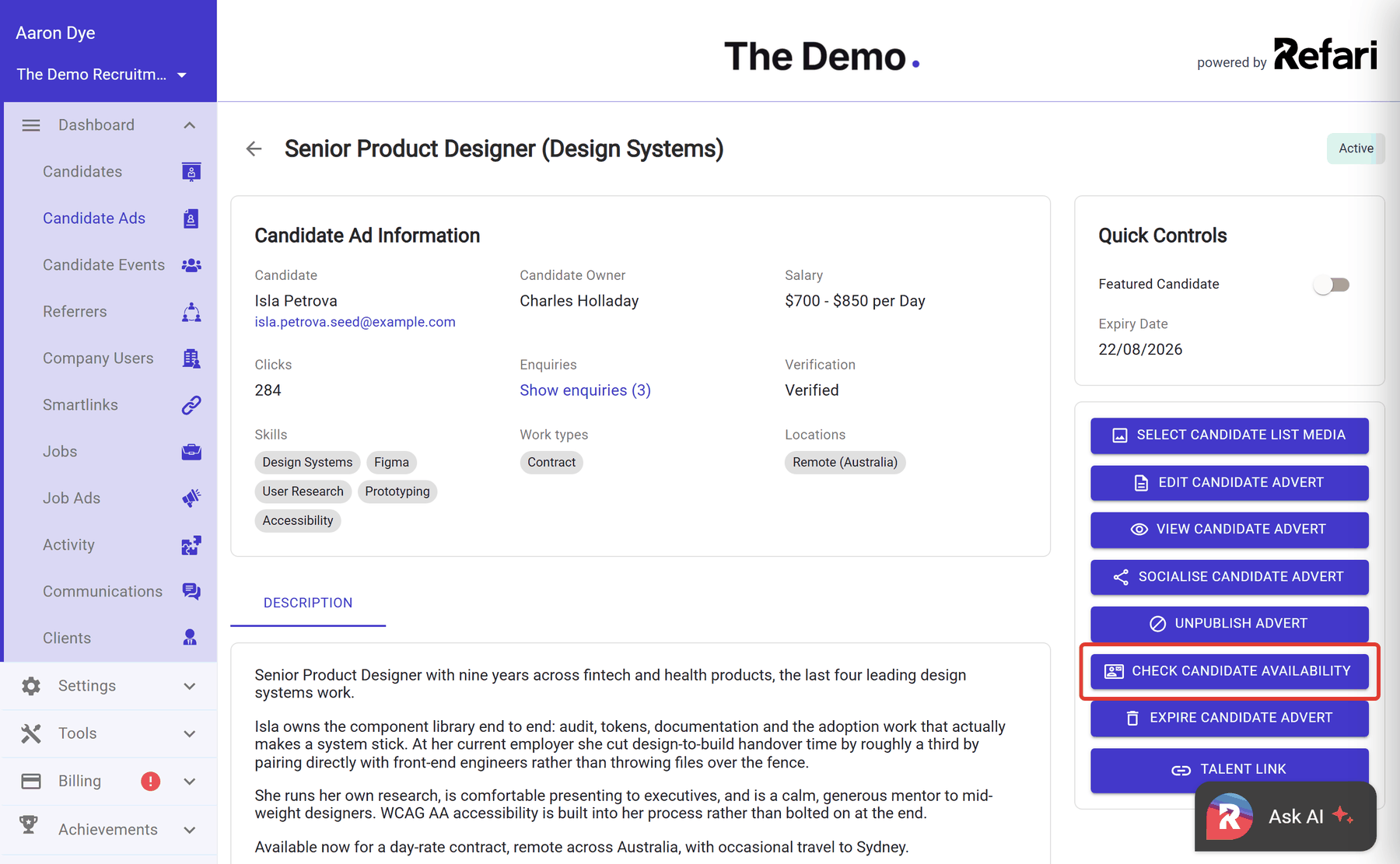
- Go to Dashboard > Candidate Ads and open the advert you want to check.
- In the Quick Controls panel on the right, select Check Candidate Availability.
- A confirmation window explains what will happen next. Select Send check and the email goes to the candidate straight away.
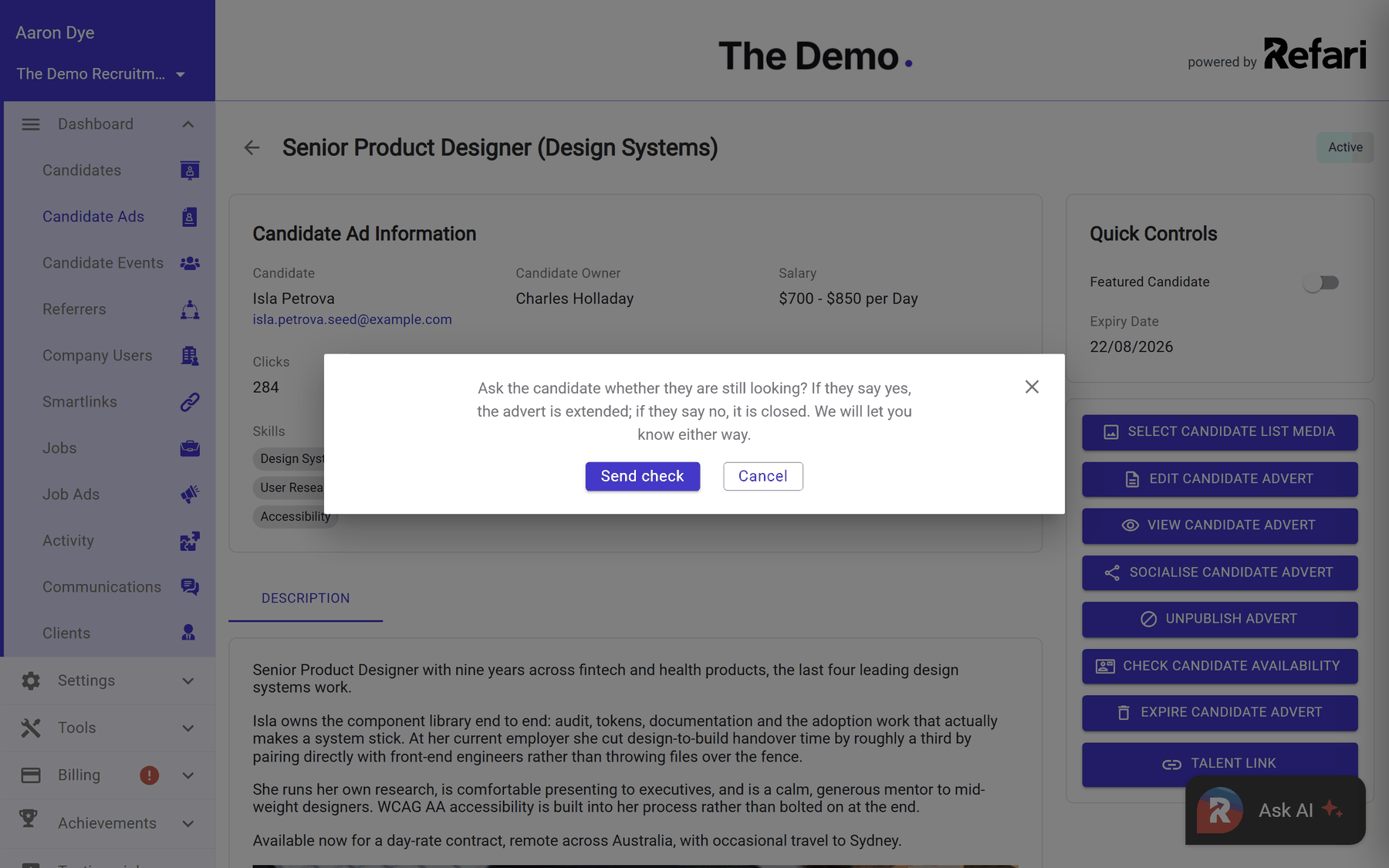
Note: Only one check can be outstanding per advert at a time. While a check is waiting for an answer, the button stays available but selecting it will not send a second email. Once the candidate has answered (or the advert has been reposted with a new expiry date), you can send a fresh check whenever you need an update.What the candidate receives
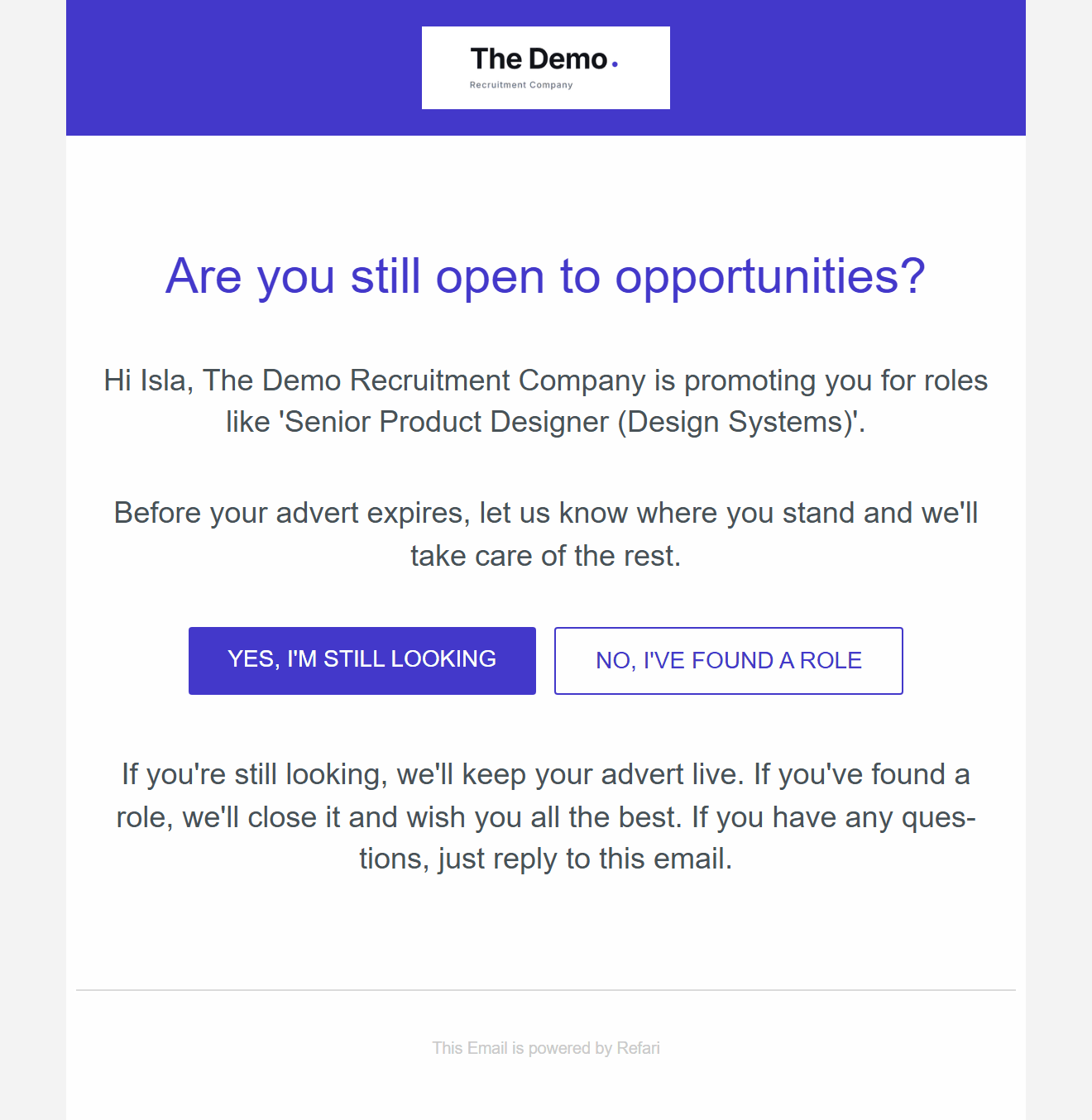
The candidate gets a short, friendly email in your company's branding with the subject line "Are you still looking? A quick check on your advert". It contains two buttons: Yes, I'm still looking and No, I've found a role.
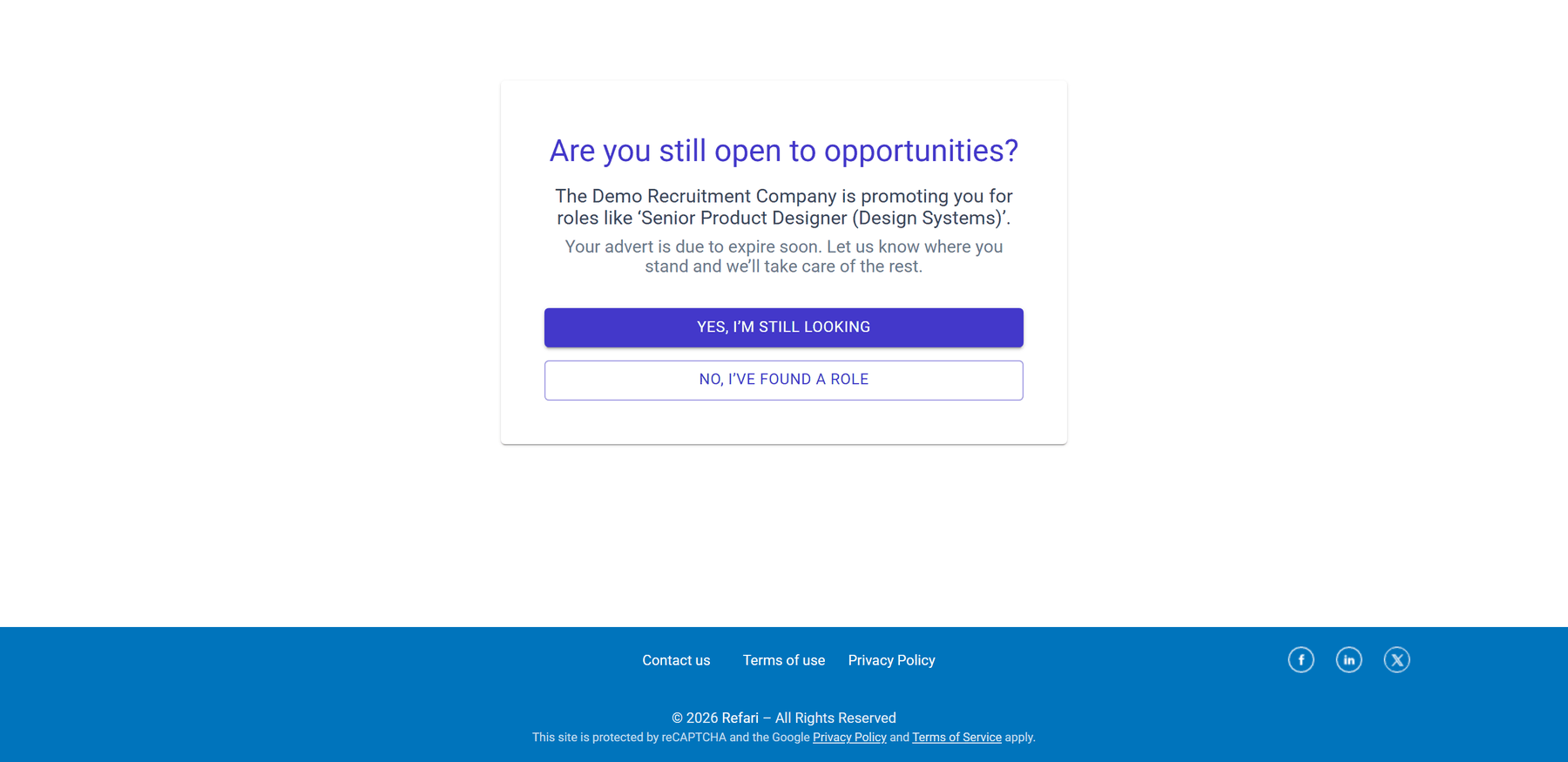
Either button takes them to a confirmation page, also in your branding, where they confirm their answer with a single click. Nothing changes until they confirm on this page, so an accidental click in the email cannot close an advert by itself.
Note: The links in the email stay active for 14 days. After that (or once the advert expires) the page simply tells the candidate the link is no longer active, and their advert follows its normal expiry date.What happens when they answer
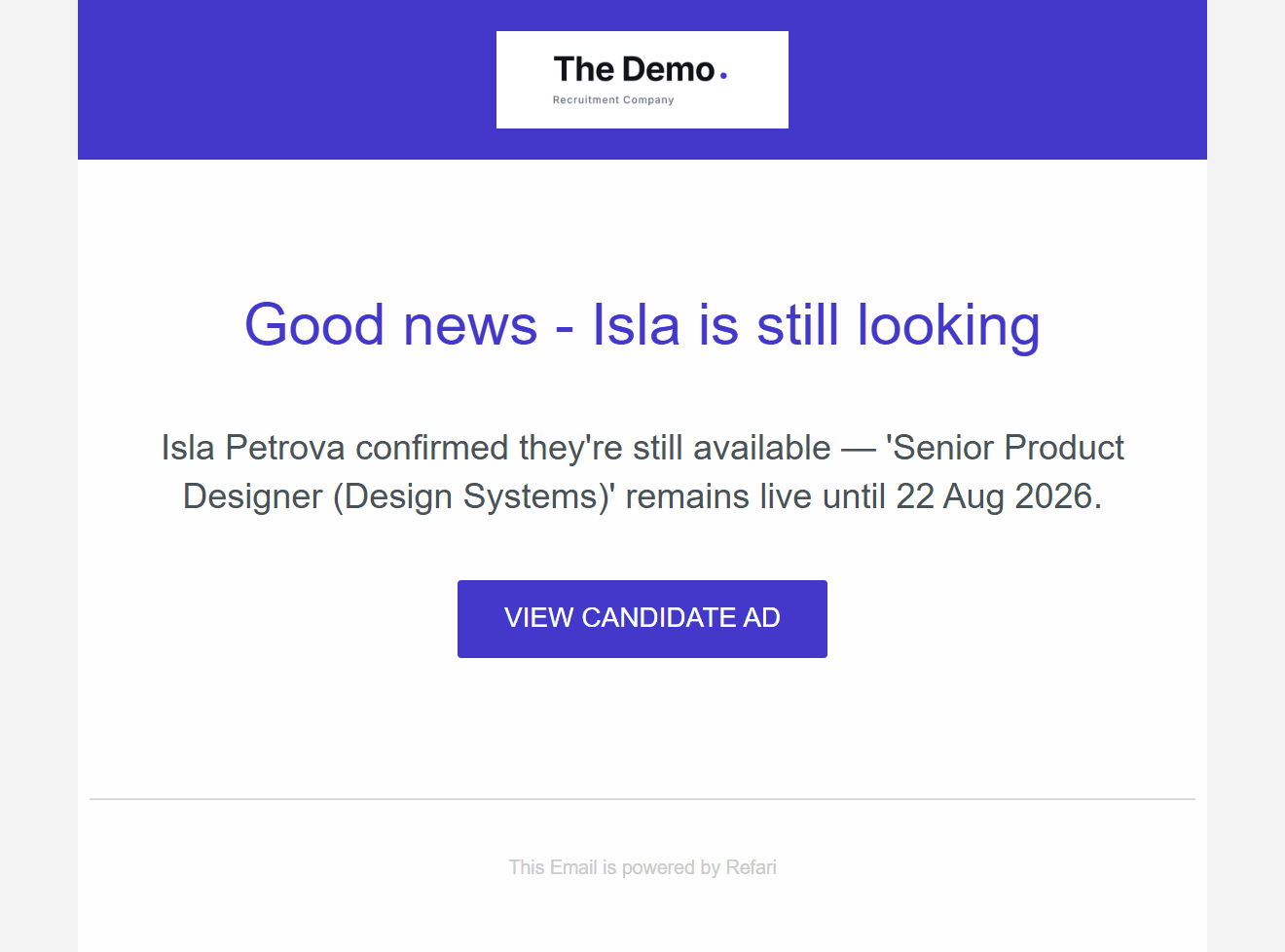
If they are still looking
The advert stays live and its expiry date is extended by 30 days from the day they answer, so you do not need to touch it. (The extension never brings an expiry date forward: if the advert already runs later than that, the later date is kept, and an advert is never pushed more than three months ahead.) You will get a confirmation email letting you know the candidate is still available and showing the new expiry date.
If they have found a role
The advert is closed immediately, so your Talent Board never shows someone who is no longer available. The notification you receive also tells you how many other live adverts that candidate has with you, so you can review those too rather than waiting for each one to be checked separately.
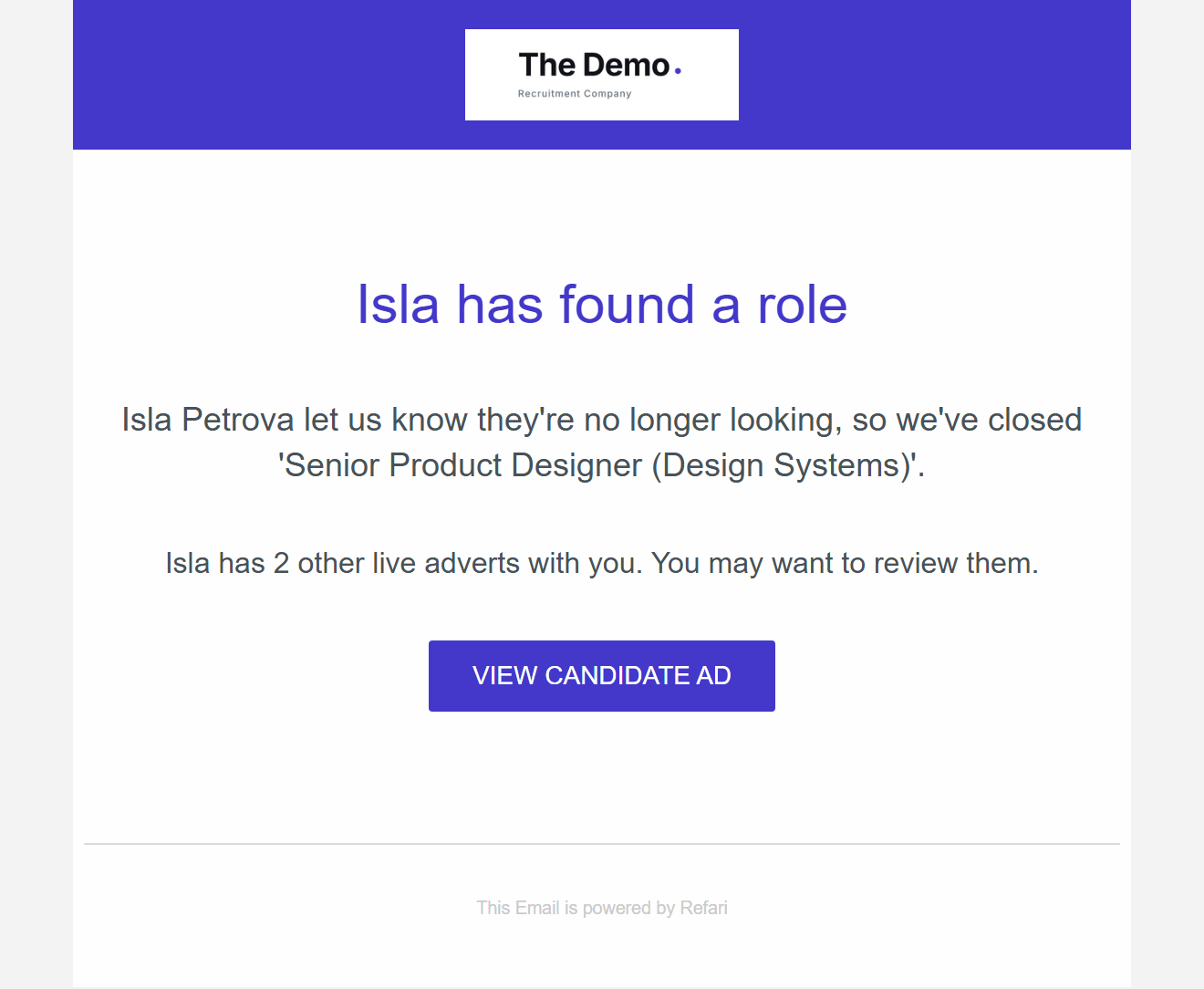
Both notifications go to the team member who owns the advert, plus any addresses in your Candidate Advert Expiry Email field. You can change where these land at any time; the walkthrough for that is here: Managing your email notifications ↗
Turning on automatic checks
Rather than remembering to check each advert yourself, you can let Refari do it. With automatic checks switched on, each eligible candidate is emailed the same "are you still looking?" check three days before their advert expires. A yes extends the advert automatically and a no closes it, exactly as above, and you are notified of the answer either way.
- Go to Settings > Company Settings.
- Under Application Settings, switch on Automatically check candidate availability before adverts expire. (This toggle only appears when your Talent Board is enabled.)
- Select Save at the bottom of the page.
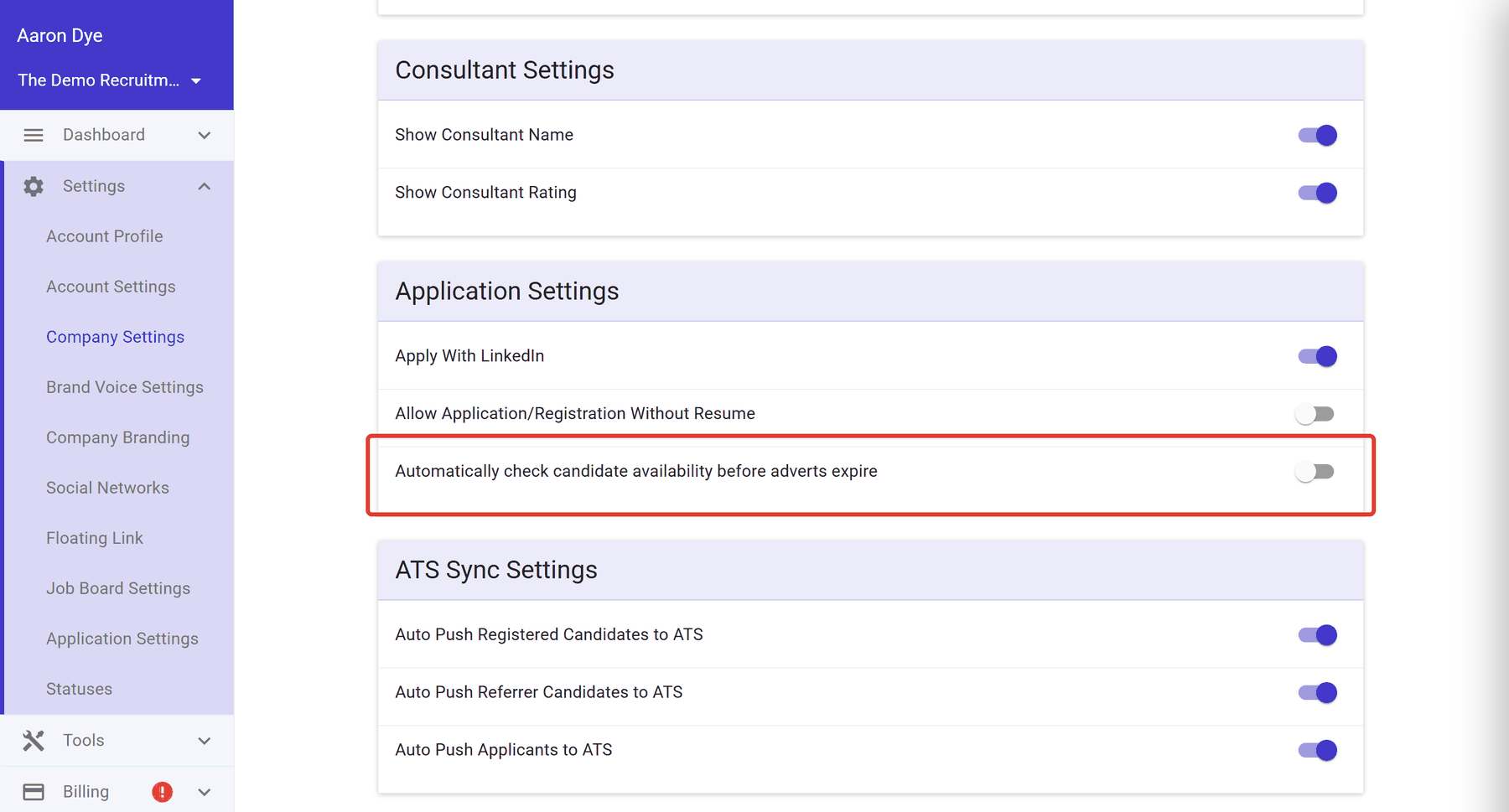
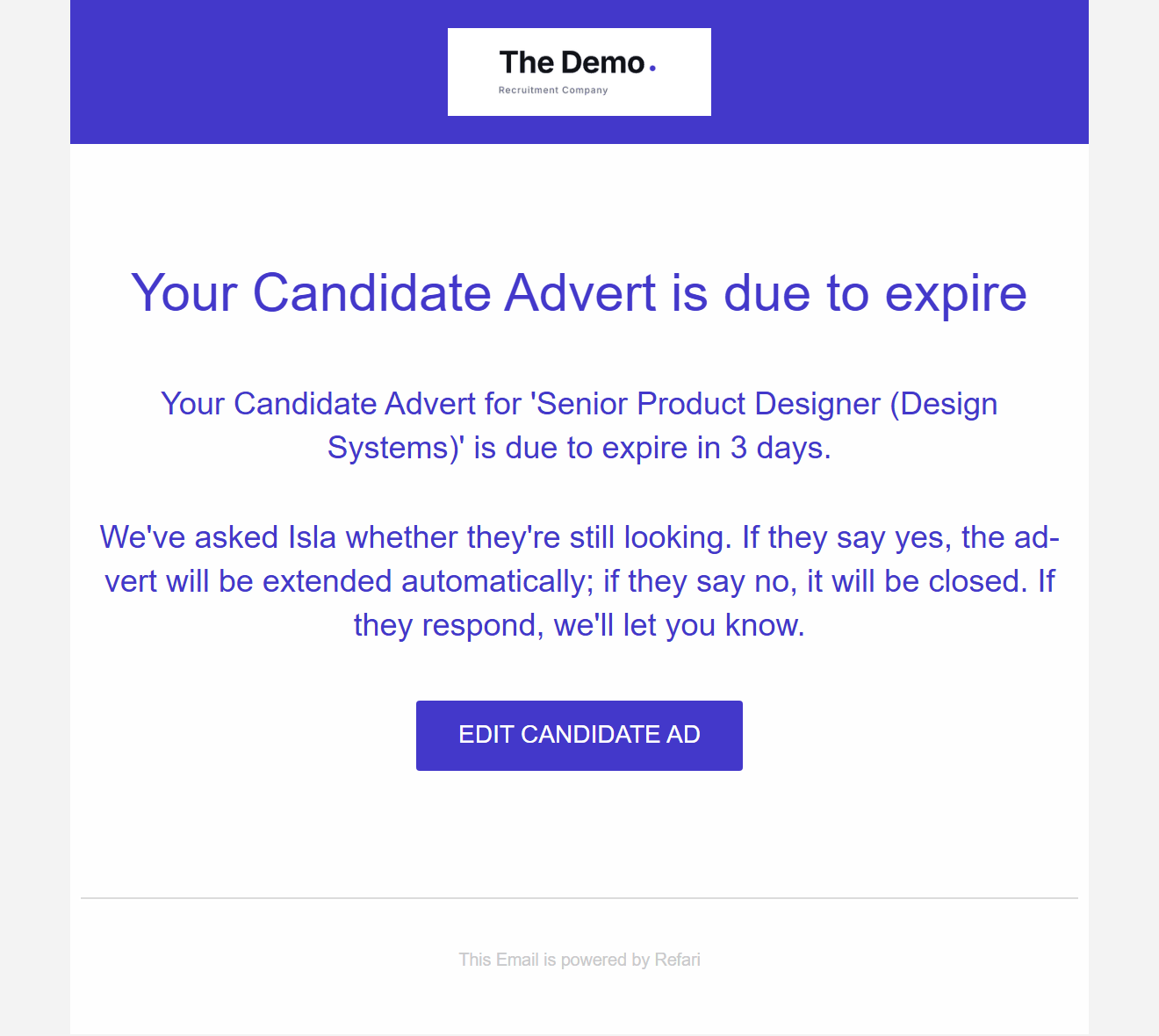
That's it. From now on, every eligible candidate advert gets its own availability check three days before it expires, with no further action needed from your team.When an automatic check has been sent, the usual "your candidate advert is due to expire" reminder changes too. Instead of asking you to update the expiry date, it tells you the candidate has already been asked and that the advert will extend or close itself depending on their answer.
Idea: Candidates are never bombarded. If the same candidate has several adverts expiring around the same time, they will only be emailed once a week at most, and never twice for the same expiry. One answer is enough to act on.When a check cannot be sent
The Check Candidate Availability button only appears (and automatic checks only send) when the advert is in a state where asking makes sense. A check needs all of the following:
- The advert is published and has not already expired.
- Your company's Talent Board is enabled.
- The advert is linked to an active candidate with a contactable email address.
- The candidate is not already being asked to verify changes to the advert (one question at a time; once they have confirmed the advert's content, availability checks become available again).
If an automatic check cannot be sent for one of these reasons, you still get the normal expiry reminder, so nothing slips through unnoticed. You can always update the advert's expiry date yourself; the steps are in this guide: How to update the Expiry Date on a Candidate Ad ↗
Final Notes
The availability check keeps your Talent Board honest with almost no effort: candidates who are still on the market stay visible, and candidates who have landed a role come down promptly, before a client enquires about someone who is no longer available. If you run more than a handful of candidate adverts, we recommend switching the automatic check on and letting it manage expiries for you.
Other articles you might be interested in: Which emails does the Talent Board send, and why? | How to update Expiry Date to a Candidate Ad and repost an Expired Candidate Ad | How to set up a Talent Board to market your candidates
Was this article helpful?
That’s Great!
Thank you for your feedback
Sorry! We couldn't be helpful
Thank you for your feedback
Feedback sent
We appreciate your effort and will try to fix the article